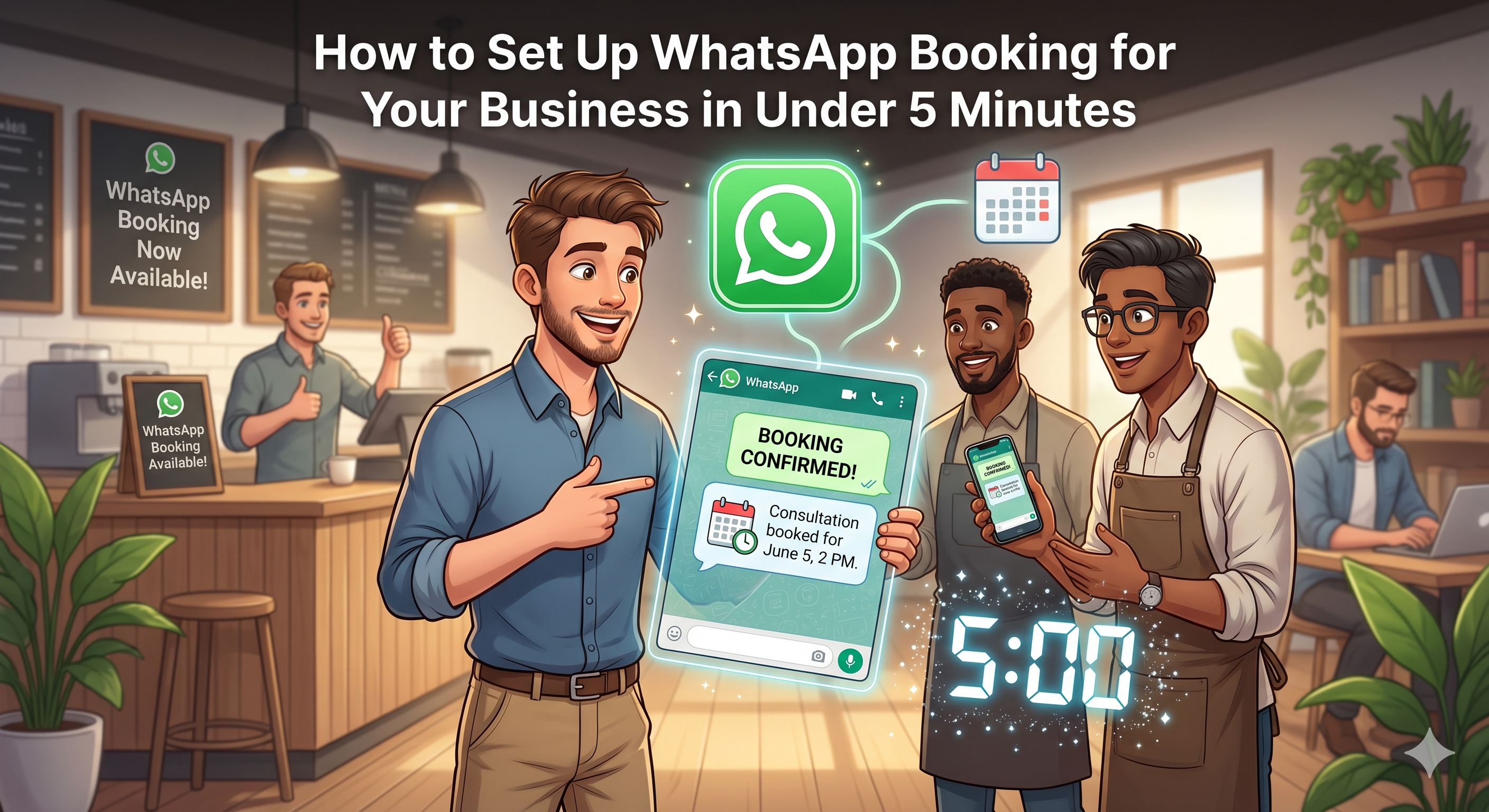
Step 1: Business Setup
Enter your business name, address, and website. Our AI will automatically generate a compelling description.
Step 2: Add Your Services & Calendar
Create your service catalog and connect your services with out built-in calendar. Set durations, pricing, and availability rules.
Step 3: Connect WhatsApp
Link your WhatsApp Business number. Our AI agent gets activated within minutes.
Step 4: Go Live
Start receiving booking requests on WhatsApp. Monitor everything from your dashboard and take over chats anytime you want.
Pro Tips
Set clear business hours, enable automated reminders, and customize escalation rules for best results.
Stop losing customers to slow responses. Start booking smarter today.
Next steps with Biz Citadel
Hire your AI Social Media Employee for WhatsApp, Instagram DMs, and Messenger. Start free on the pricing page. Explore WhatsApp booking, industry pages like salons, and tool comparisons.